Panopto Tutorials:
How To Create Video Quizzes
Tutorial on creating video quizzes in Panopto.
- Locate the video you would like to add a quiz to and click on the edit icon:

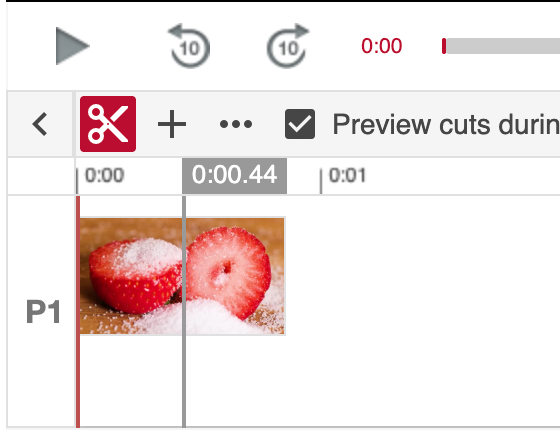
- Go to the correct time on the video you’d like to add a question in by clicking on the timeline:
- Go to the “Quizzes” tab on the left and click on “Add a Quiz”:

- Select the type of question you want to use from the drop down and then fill out the required information:

- Once you are done, you can either:
- Click on “Add a Question” to add another question directly after the current one.
- Click “Done” to end this quiz section.

- Once you are done, you will be able to review the quiz section settings. Click “Finish” after reviewing:

↳ Repeat steps 2-6 to create more quiz sections throughout the video.
- Once you are done, click “Apply” at the top of the page:
