Panopto Tutorials:
How to Share Media
Tutorial on how to share media in Panopto.
Sharing an Individual Video
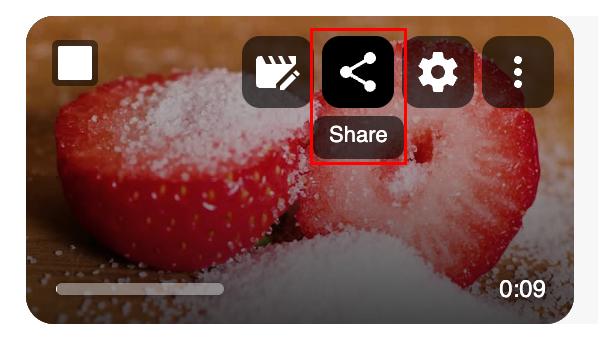
- Locate the video you want to share and click on the share icon:
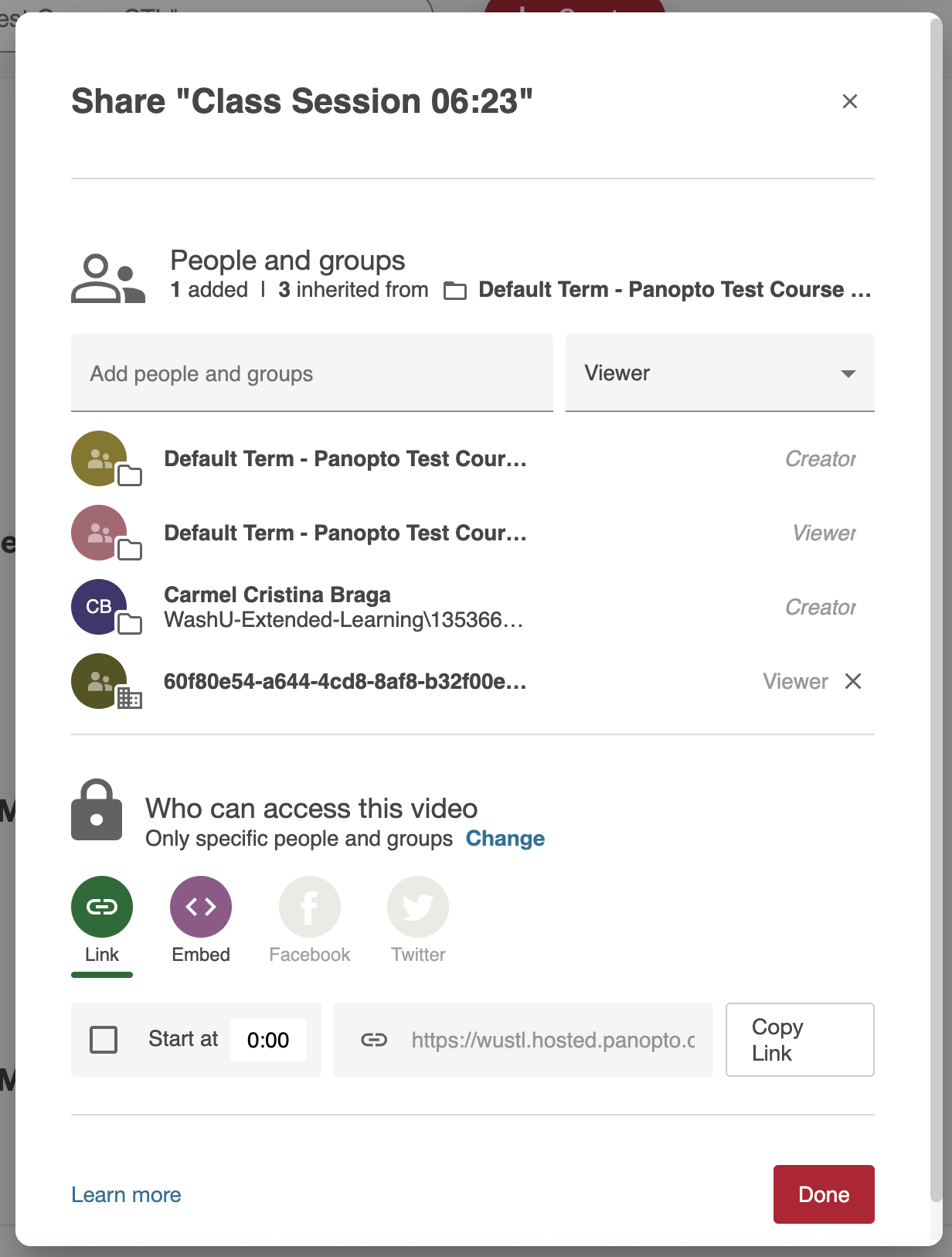
- On the next page, you will be presented with sharing options:
Bulk Sharing Videos
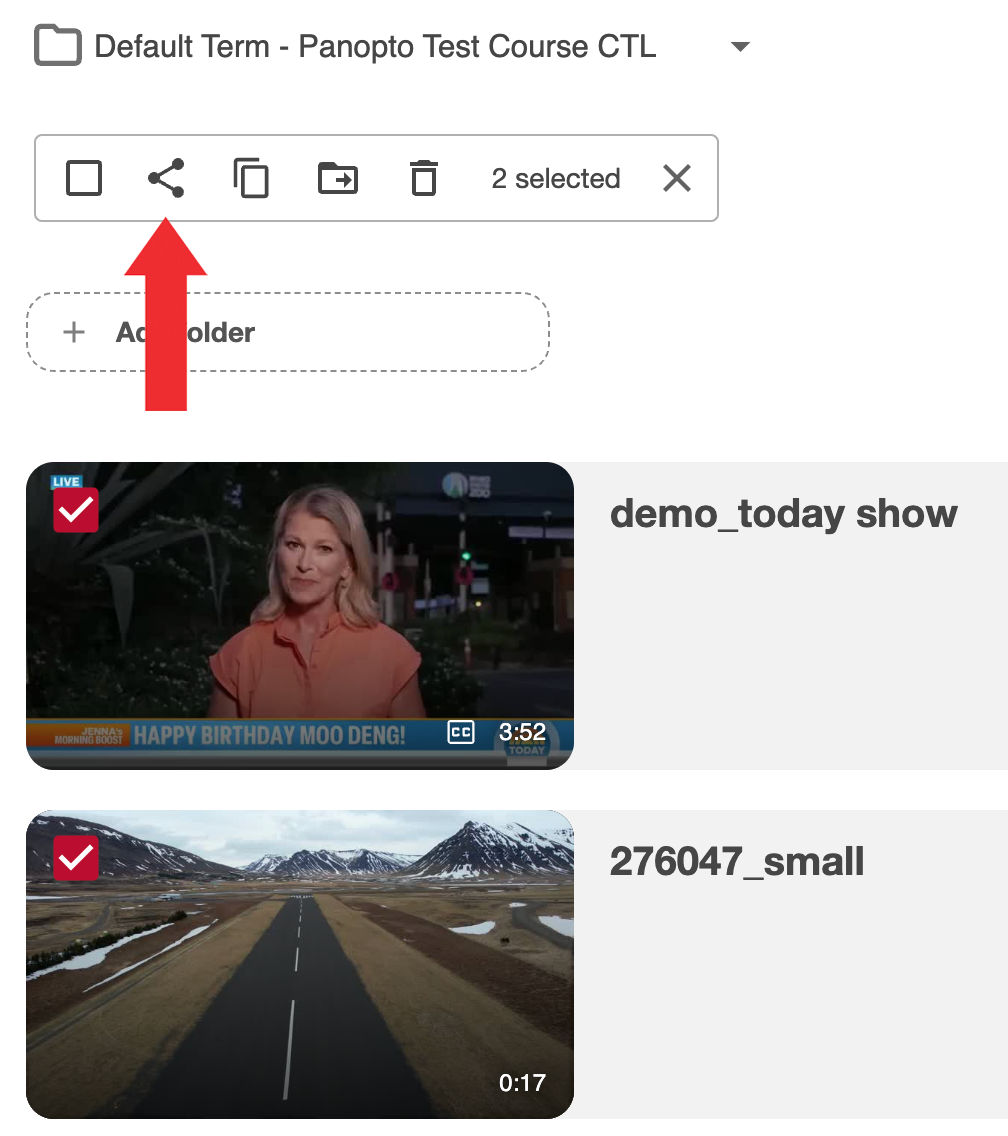
- Check the box for the videos you want share and click on the share icon:
- On the next page, you will be given your sharing options:

Sharing a Folder
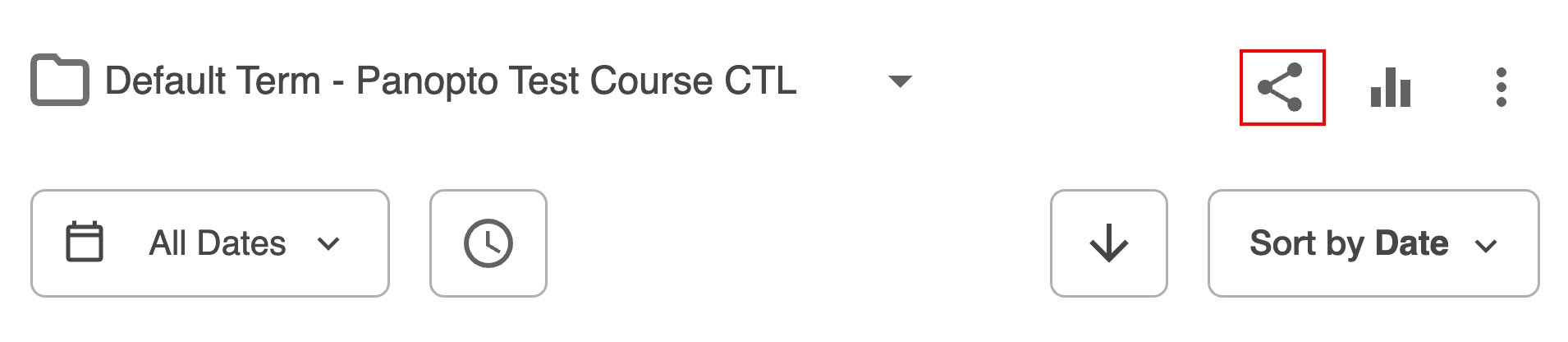
- Navigate to the folder you want to share and click on the share icon:
- On the next page, you will be given your sharing options:
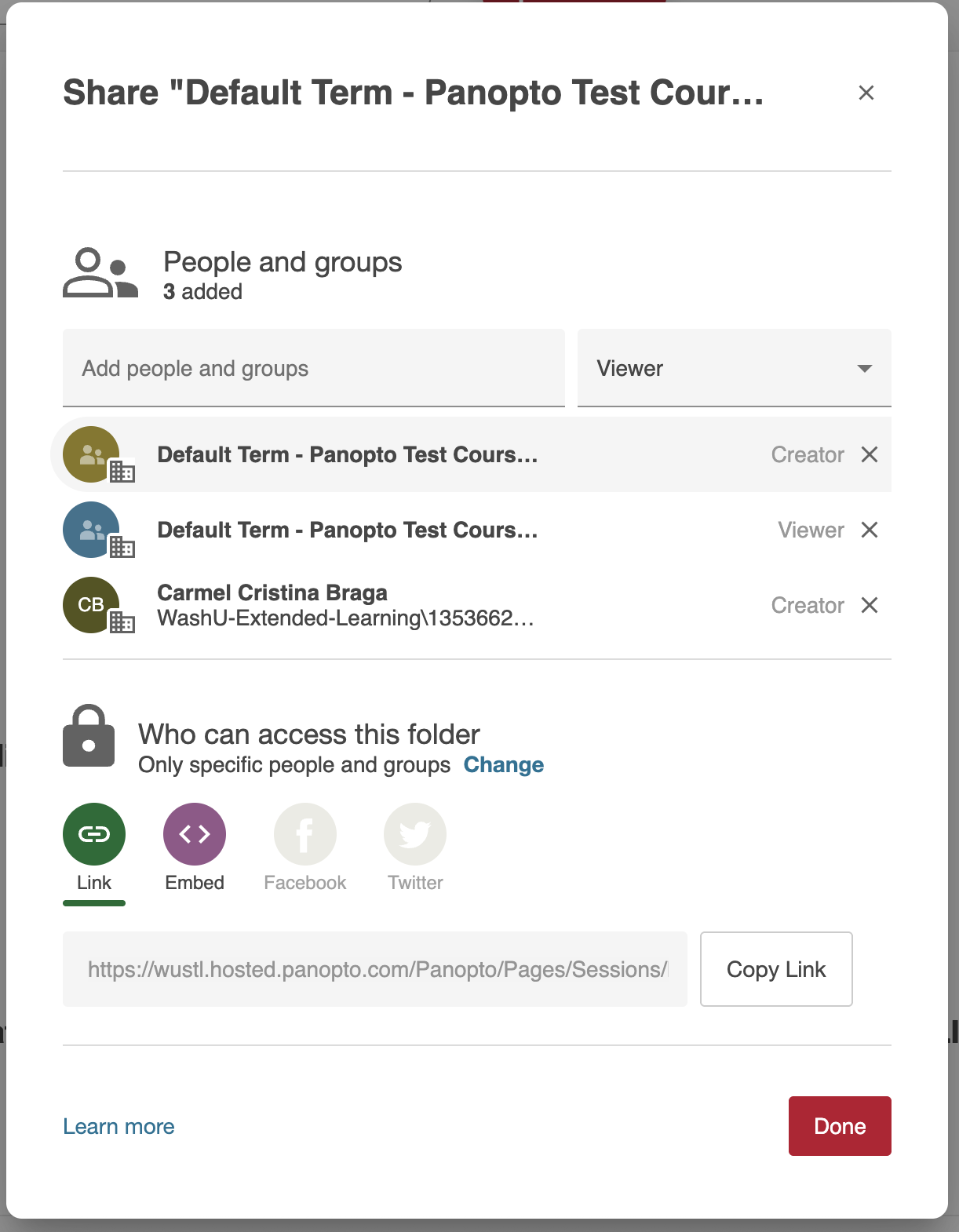 ↳ We do not recommend embedding folders. They are not easy to use nor are displayed correctly when embedded.